Email won't send. What should I check?
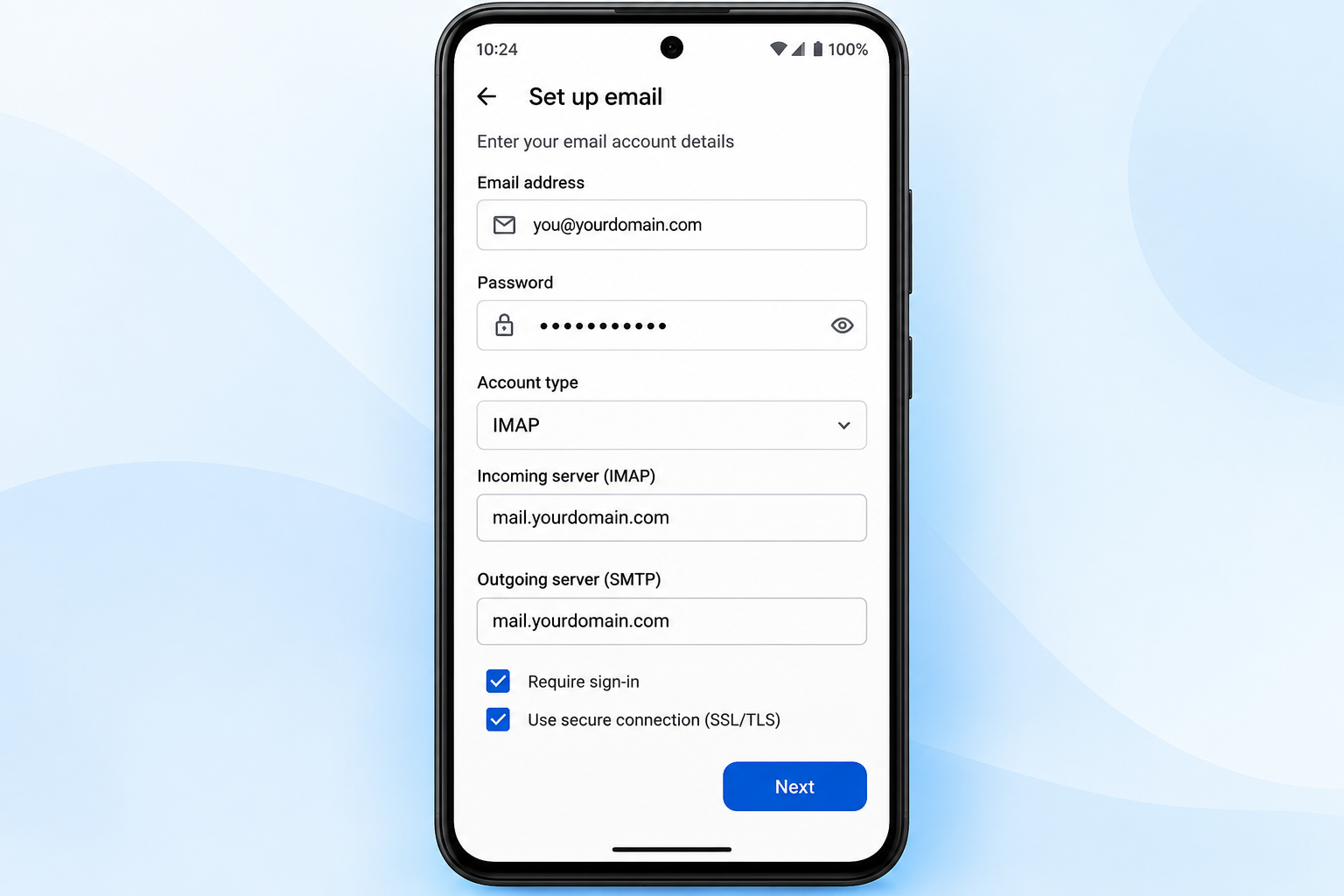
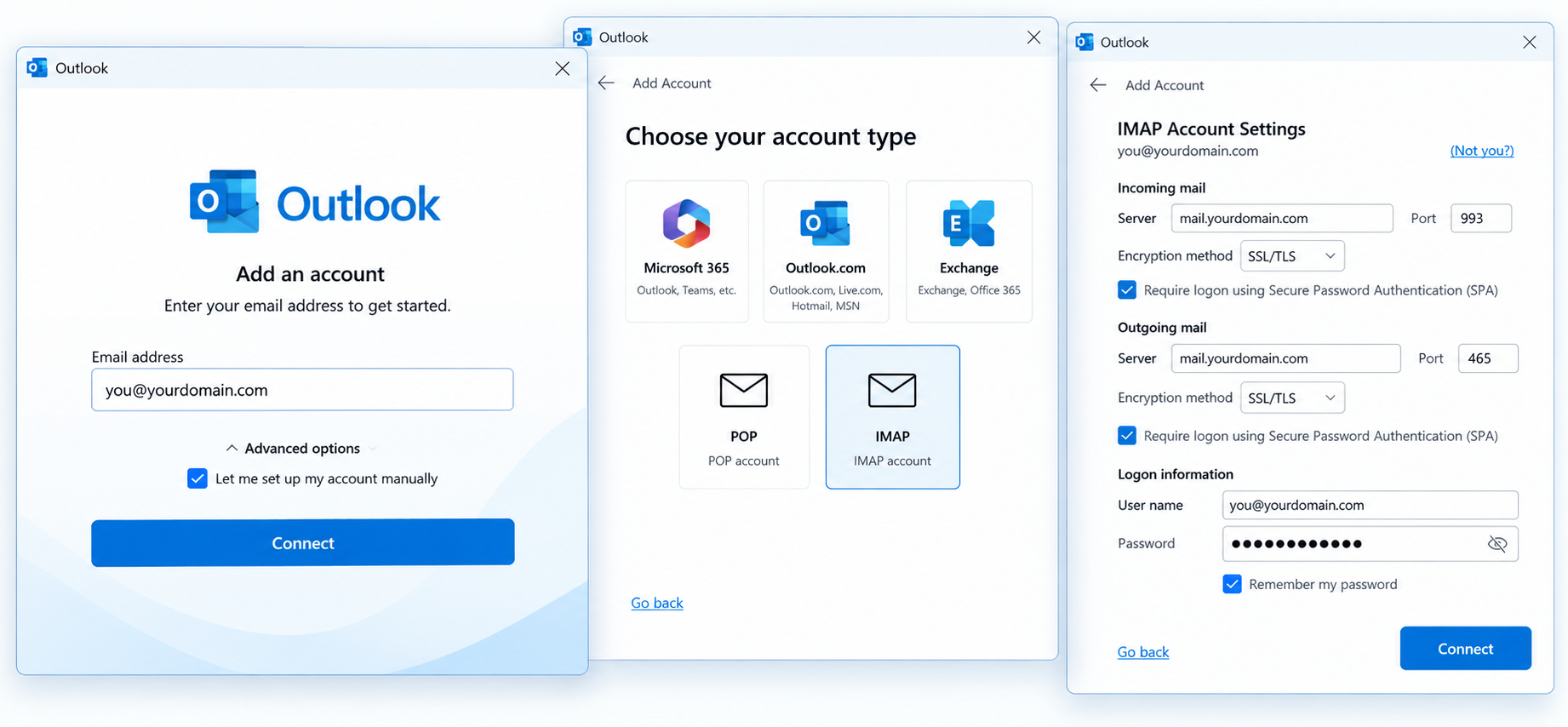
Confirm the recipient address, check for a bounce-back or error message, and try a short test message without attachments. If using Outlook or a phone app, verify the outgoing SMTP settings with your provider and check whether your password changed. Do not guess ports or disable encryption. If the issue continues, give support the exact error and time it occurred.
I'm not receiving emails.
Check Junk/Spam, other folders and any rules that may move messages. Confirm the sender has the correct address and ask whether they received a delivery failure notice. If multiple senders are affected or the mailbox may be full, contact your provider to check delivery and storage limits.
How can I recognize phishing or a fake email?
Watch for unexpected urgency, requests for passwords or payment, unfamiliar attachments and links that do not match the claimed sender. Inspect the full sender address and verify unusual requests using a known phone number or trusted channel. Do not reply with sensitive information. Report suspicious messages using your organization's process.
My phone or Outlook stopped syncing after a password change.
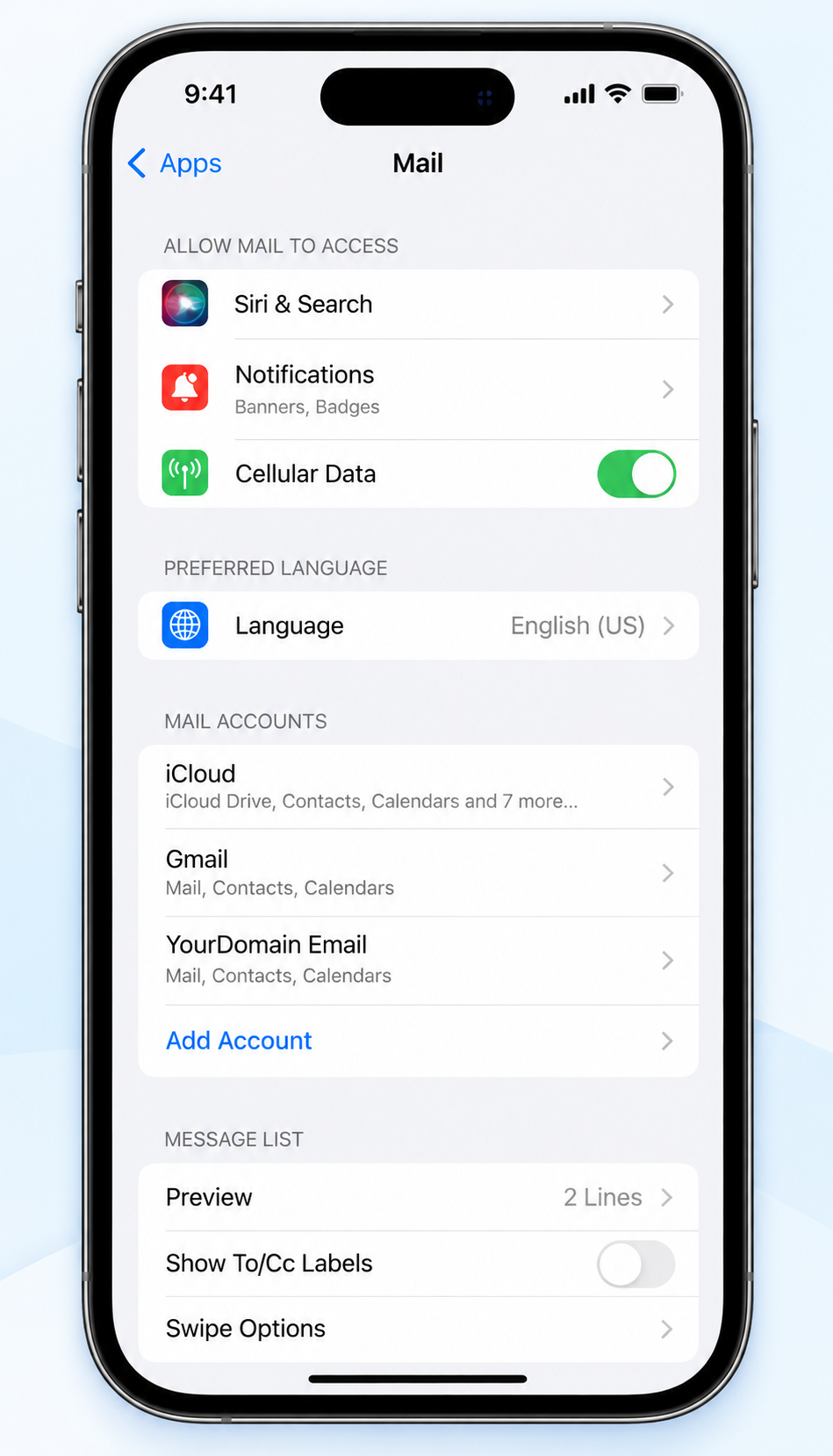
Update the saved password in the mail app. If connection problems continue, confirm the correct server names, ports and encryption settings with your provider before removing and re-adding the account.
I can't sign in. What should I check?
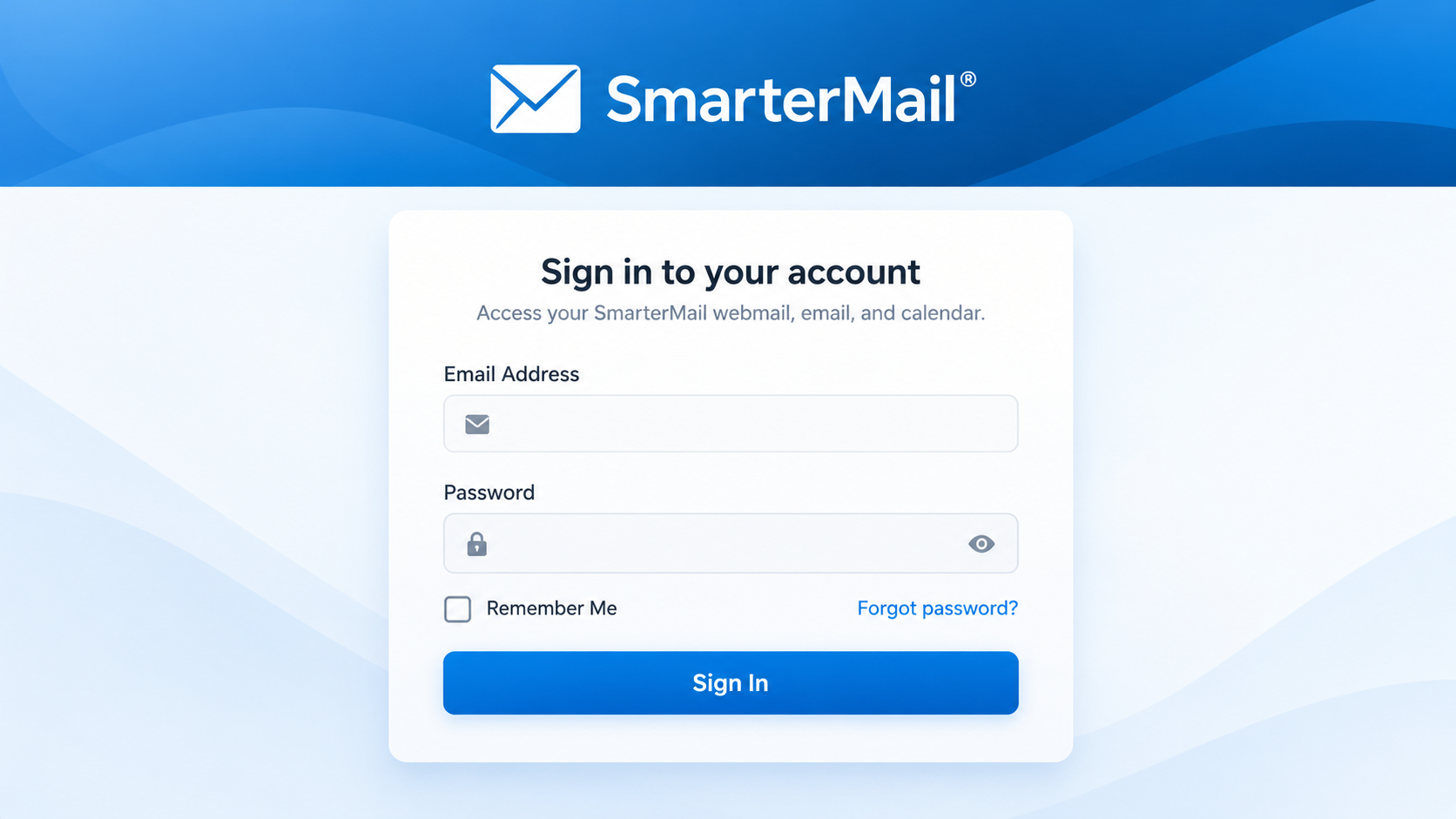
Confirm that you are using the correct webmail URL and full email address. Check that Caps Lock is off, then try the password reset process provided by your organization. If the account is locked or the password reset fails, contact your administrator.
Why aren't new messages arriving?
Check Junk or Spam, confirm that your mailbox is not over its storage limit if that information is shown, and verify that you are checking the correct account. If messages from multiple senders are missing, contact your email provider to check delivery and server status.
Why can't I send an email?
Check that the recipient address is correct, remove oversized attachments, and look for any error message. If the message remains in Outbox or sending repeatedly fails, share the exact error with your administrator rather than changing server settings yourself.
How do I reset my password?
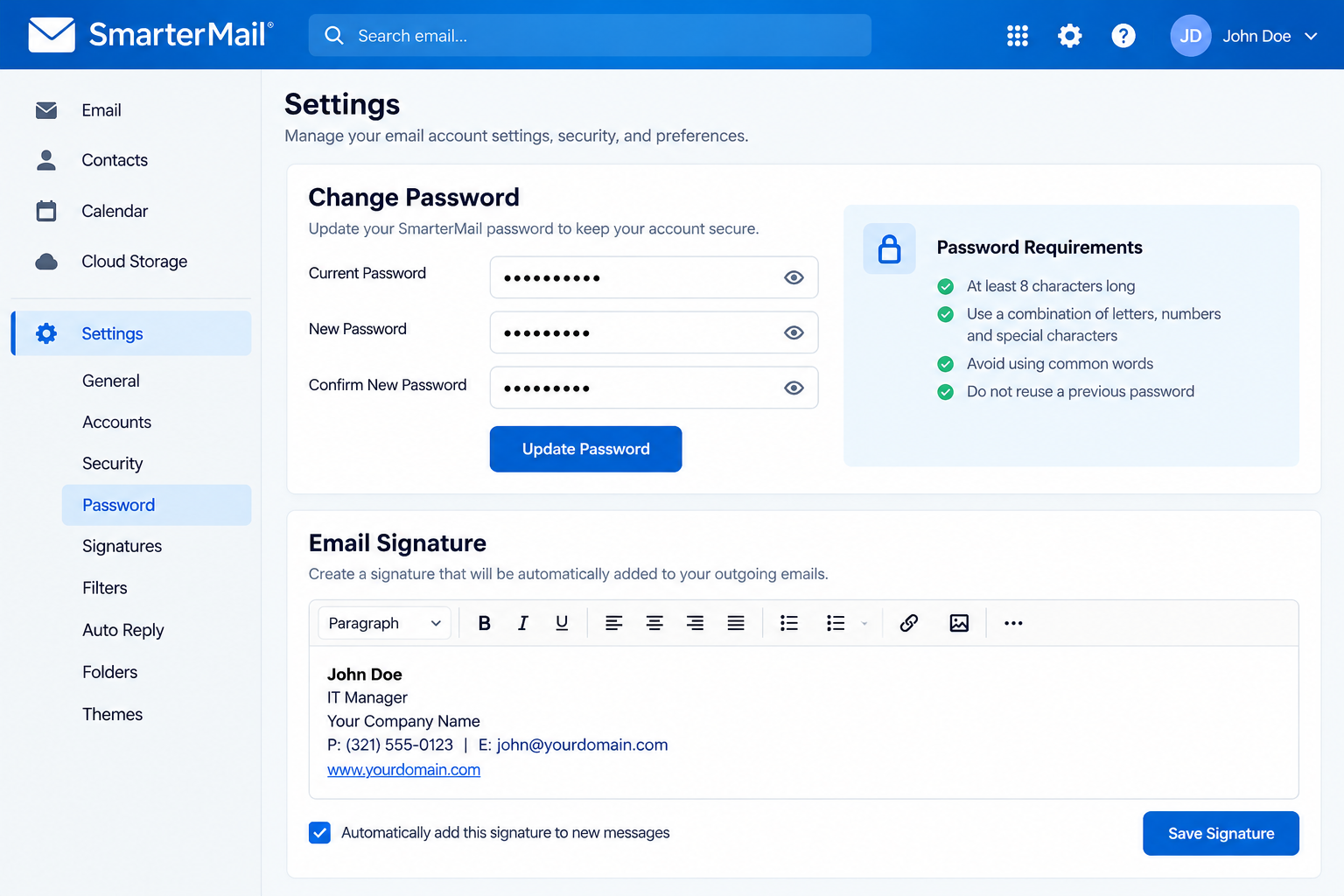
Use the password-reset link if your sign-in page provides one. Some organizations require an administrator to reset mailbox passwords. Never send your current password to support.
Why don't I see Calendar, Contacts or Rules?
Available features depend on your SmarterMail version, account permissions and provider settings. Ask your administrator whether the feature is included and enabled for your account.
Can I use SmarterMail in Outlook or on my phone?
That depends on your provider's configuration and the protocols enabled for your mailbox. Request the correct incoming and outgoing server names, ports and encryption requirements from your administrator before configuring a mail app.
My mailbox looks different from this guide.
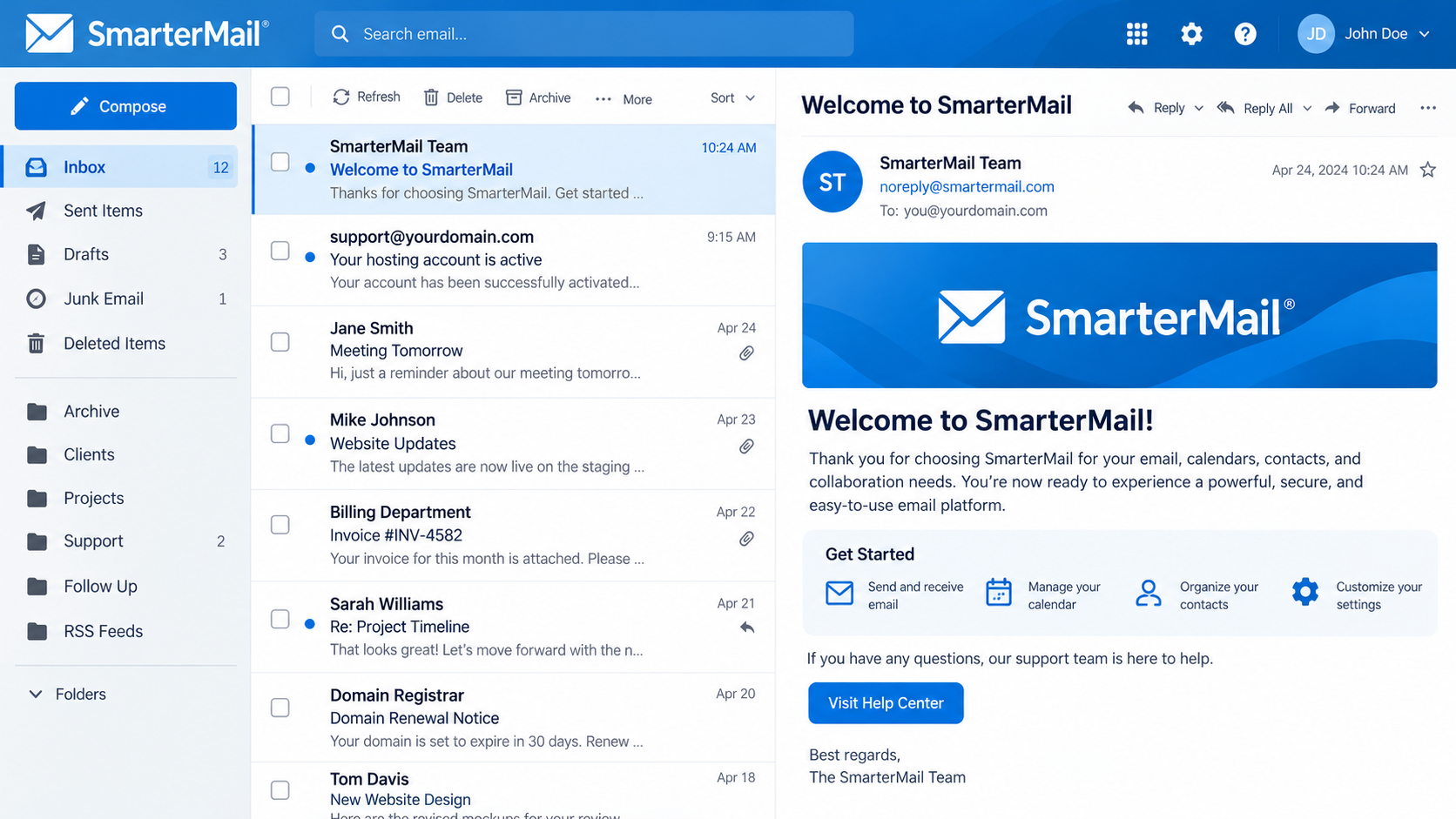
SmarterMail's layout and labels can change between versions and customized installations. Look for the equivalent tool in the navigation or Settings area, or ask support for instructions matched to your version.